Use transaction categories as actuals
Link the monthly net of a transaction category to a variable in a monthly model.
A Bank transactions source or a CSV import source gives the net amount of each transaction category for each month. You can link one category to one variable. The variable then shows the category's monthly net in its actual periods.
Use category actuals when your bank activity is the best record of a revenue or cost line, such as rent, payroll, or software spend.
What the source contains
- One value for each category and calendar month. The transaction date sets the month.
- Signed amounts: income is positive and spend is negative.
- Amounts in the team's base currency. Eigenn leaves out a foreign-currency transaction that has no converted base amount.
- Only transactions with the status posted or completed.
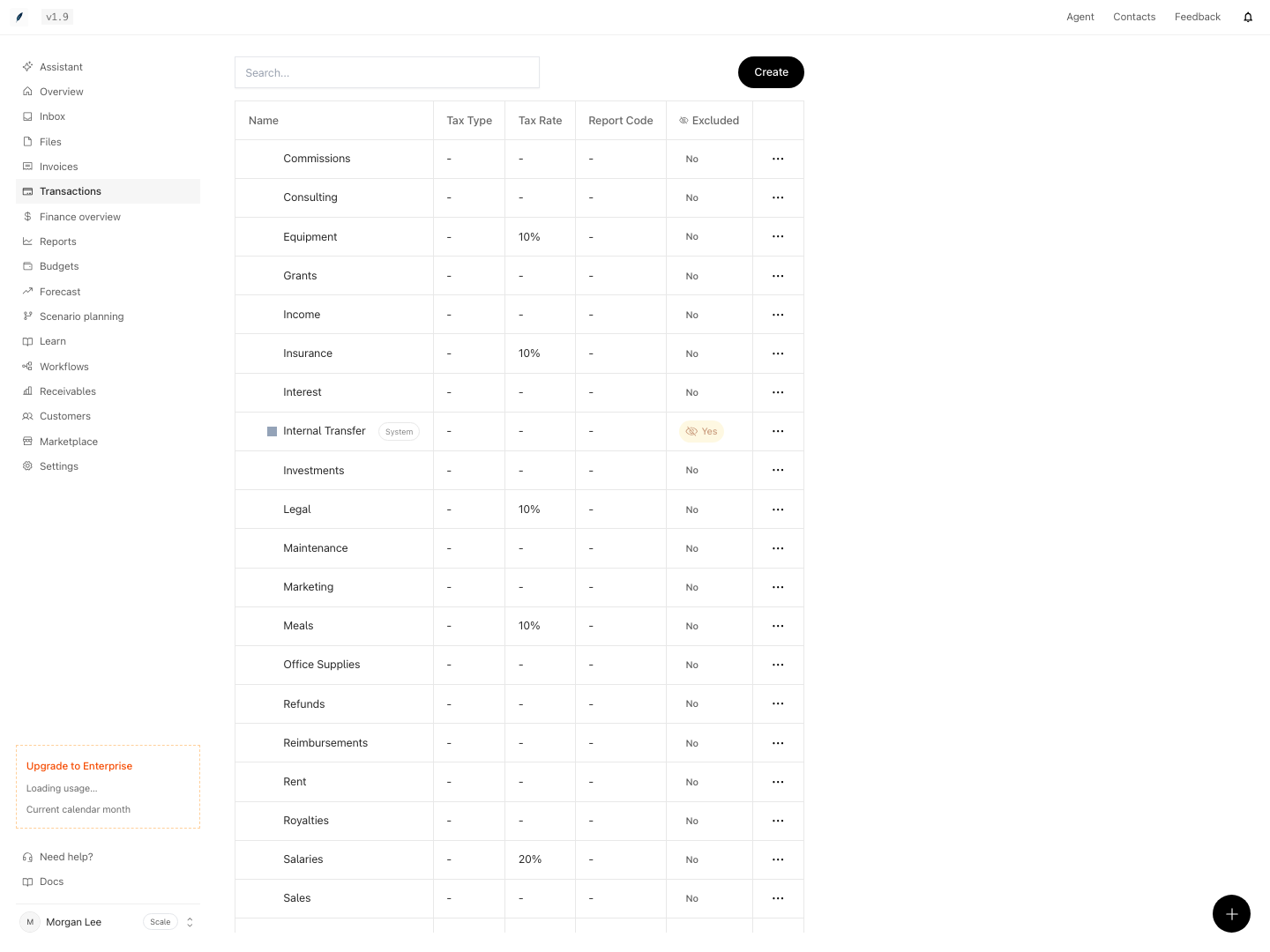
- No internal transfers, and no categories that are marked as excluded.
- Transactions without a category go to Uncategorized.
A parent category and each of its child categories are separate items. The parent item includes only the transactions that have the parent category itself.
Monthly models only
The source has one record for each month. Eigenn attaches category actuals only to a model with monthly periods. In a model with other periods, the panel shows: "Transaction-category actuals land monthly, but this model uses quarter periods. Use a monthly model."
To change the periods, select Model settings and set Granularity to Monthly. Then select Apply changes.
Link a category
- In the model, select Model settings → Data sources.
- In the Transaction categories section, choose the source.
- Choose the category.
- Choose the variable.
- Select Attach category actuals.
If the section has no source, select Add category source. The section shows "Transaction category source queued for its first refresh." Wait until the source is Active, then attach the category.
An excluded category shows "(excluded from analytics)" in the list. You cannot select it.
Keep the sign in the forecast
A spend category gives negative actuals. Keep the forecast periods in the same sign, so that totals and charts stay correct. For example, a Rent variable can carry the last actual forward:
Rent[previous]If another formula needs the cost as a positive number, write -Rent in that formula.