Stripe
Connect Stripe and use the invoices that Eigenn imports as issued-invoice revenue actuals in a model.
The Stripe connector gives a model revenue actuals from your Stripe invoices. Eigenn imports the invoices from Stripe. A model variable can then read the issued invoice amount or the issued invoice count for each period.
Use it when you bill customers through Stripe and want revenue rows to show what you invoiced.
1. Connect Stripe
- Go to Marketplace.
- On the Stripe card, click Install.
- Complete the Stripe authorization in the window that opens.
- Make sure that the Stripe card now shows Disconnect.
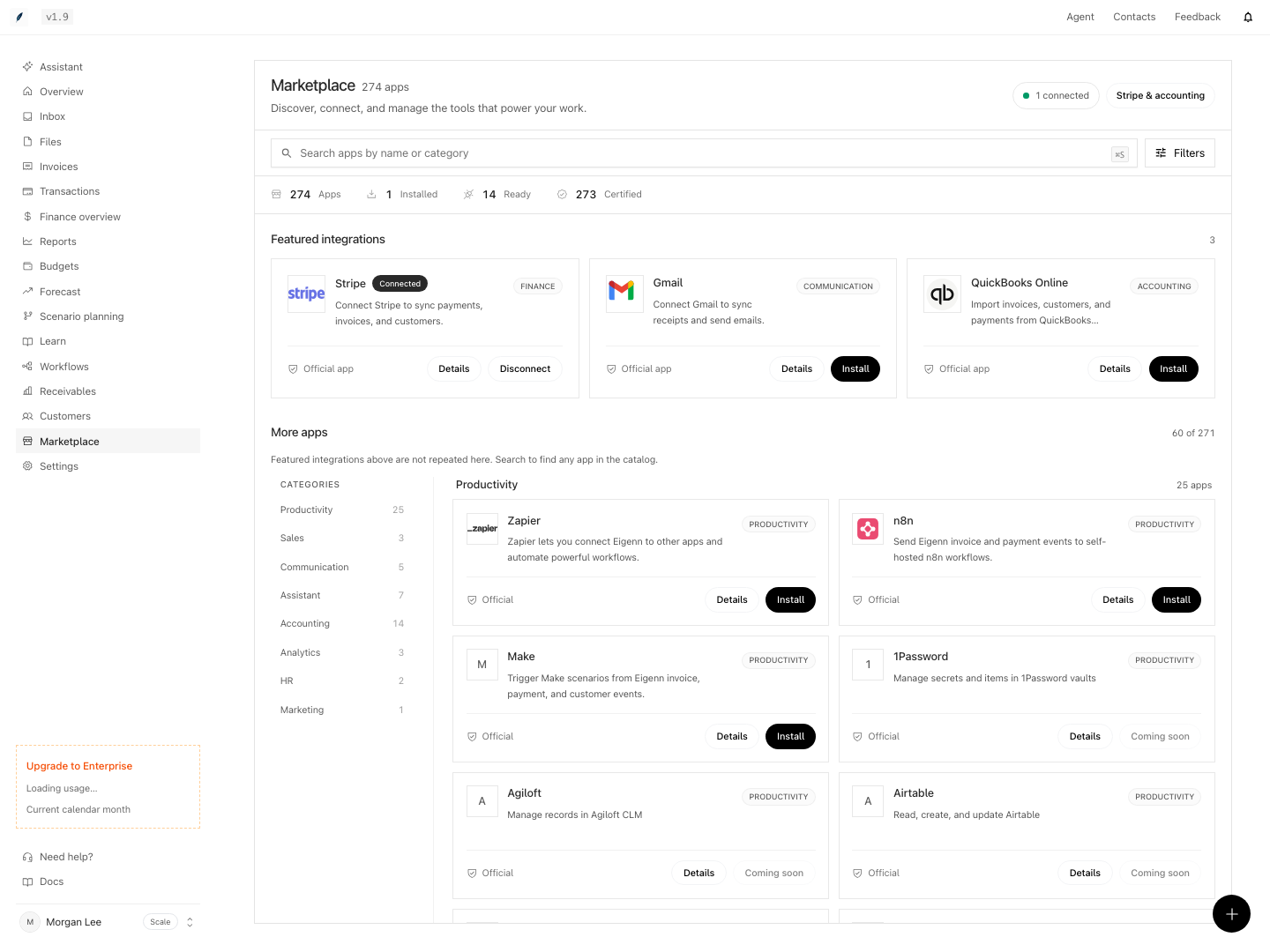
2. Check the sync settings
On the Stripe card, click Details. Under Settings, check these switches:
| Setting | Default | Effect on planning |
|---|---|---|
| Invoice Sync | On | Turn it off, and Eigenn stops the invoice import. |
| Use Test Mode | Set at connection | Eigenn sets it to match your Stripe account. If it does not match the account, Eigenn skips the sync. |
| Balance Transaction Sync | On | Brings Stripe payments, refunds, fees, and payouts in as bank transactions. |
3. How invoices arrive
- When you connect, Eigenn imports the invoices made in the last 365 days.
- After that, Eigenn syncs Stripe one time each day, after midnight UTC.
- Each imported invoice uses the amount due on the Stripe invoice.
- The issue date is the date when the invoice was made in Stripe.
You do not create a Stripe source on the Data page. When you select the Stripe card in Data sources, the wizard shows No setup needed. Click Done.
4. Link invoice actuals to a variable
- Open the model and click Model settings → Data sources.
- Under Actual data, select
stripein the provider list. - Select Issued invoice amount or Issued invoice count.
- Select a variable, for example Revenue.
- Click Attach actuals.
You can also click Import actuals above the grid. Eigenn adds the rows "Issued invoices (stripe)" and "Issued invoices (stripe) count".
Each invoice counts in the period that contains its issue date. An actual period with no invoices shows 0. Eigenn does not filter by invoice status. The full rules are in QuickBooks.
5. Refresh the values
New invoices arrive with the next daily sync. A Stripe sync does not update the models. A model loads the new invoices when it calculates again, for example after an edit. To load them now, click Refresh actuals above the grid.
6. Limits
- For planning, Stripe gives issued invoice amount and count only. It does not give subscription metrics, such as MRR or churn.
- Eigenn does not convert currencies for invoice actuals. Use one billing currency, or check the totals.
- Imported invoices can be approximately one day old.
- Eigenn does not import invoices made more than 365 days before you connect.
- Stripe balance transactions do not appear as invoice actuals. They reach a model only through a Bank transactions source. Only balance transactions that Stripe marks as available count there.