Data integrations
The connectors in the Data sources catalog and the planning data that each connector brings into a model.
A data integration brings actuals into Eigenn from a system that you already use. Each connector gives one kind of planning dataset. A dataset is not part of a model until you link a variable to it.
To see the connectors, go to Scenario planning → Data → click New. The Data sources dialog shows one card for each connector. Use the tabs, such as Accounting and Spreadsheets, to filter the cards. You can select a card only when the connector has a planning dataset. Other cards show Coming soon or No planning datasets yet.
If you do not find a connector, click Request under Not finding what you need?.
Connectors and their data
| Connector | Tab | What it brings into a model | Before you start |
|---|---|---|---|
| Xero | Accounting | Monthly P&L and balance-sheet accounts | Connect Xero in Marketplace |
| QuickBooks | Accounting | Issued invoice amount and count | Connect QuickBooks Online in Marketplace |
| Fortnox | Accounting | Issued invoice amount and count, with no source on the Data page | Connect Fortnox in Marketplace |
| Bank transactions | Other | Monthly net for each transaction category | Connect a bank or add transactions |
| CSV import | Spreadsheets | Monthly net for each transaction category | Import a CSV on the Transactions page |
| Stripe | Subscription / Billing | Issued invoice amount and count | Connect Stripe in Marketplace |
Three kinds of planning data
- Statements. A Xero source holds the P&L and the balance sheet. You create it on the Data page, and it refreshes from Xero.
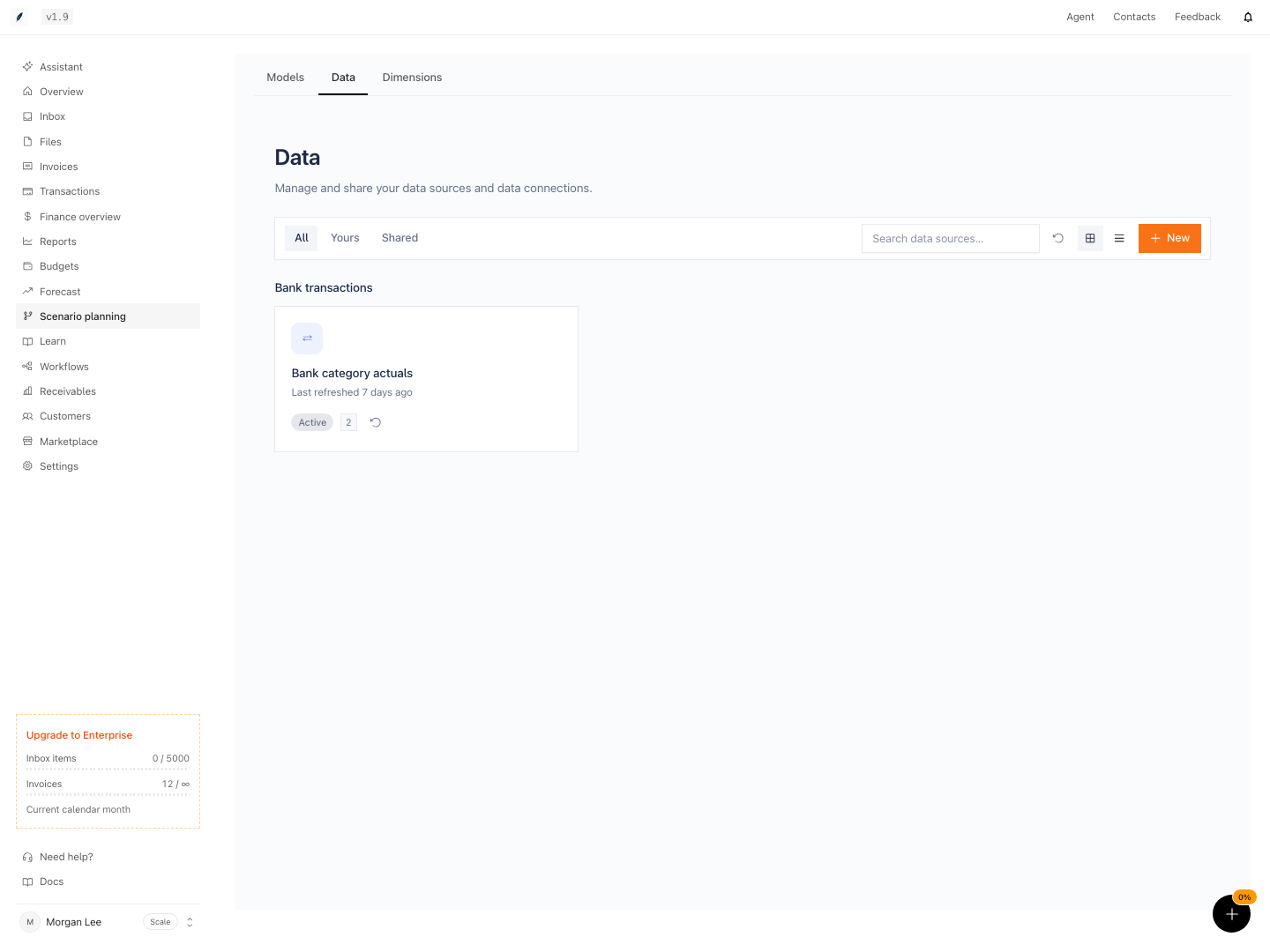
- Transaction categories. A Bank transactions or CSV import source rolls up the team's transactions by category and month. You create it on the Data page.
- Invoice actuals. Imported invoices need no source. After Eigenn imports invoices from QuickBooks, Stripe, Fortnox, or Xero, a model can link to them.
Statement and category sources show as cards on the Data page. Invoice actuals do not.
Pages in this group
- Xero: connect Xero and bring in the P&L and the balance sheet.
- QuickBooks: use imported QuickBooks invoices as invoice actuals.
- Fortnox: use imported Fortnox invoices as invoice actuals.
- Bank transactions: use transaction categories as monthly actuals.
- CSV import: the file format, the column mapping, and the limits.
- Stripe: use imported Stripe invoices as revenue actuals.