Collaboration
Discuss a planning model in row comments, share focused saved views with teammates, and control access with team roles.
A planning model has one level of full access. A team Owner opens the full model, edits it, and manages who sees what. Other teammates work through a saved view that an Owner shares with them. A saved view shows only the rows, periods, and scenarios that its filters allow.
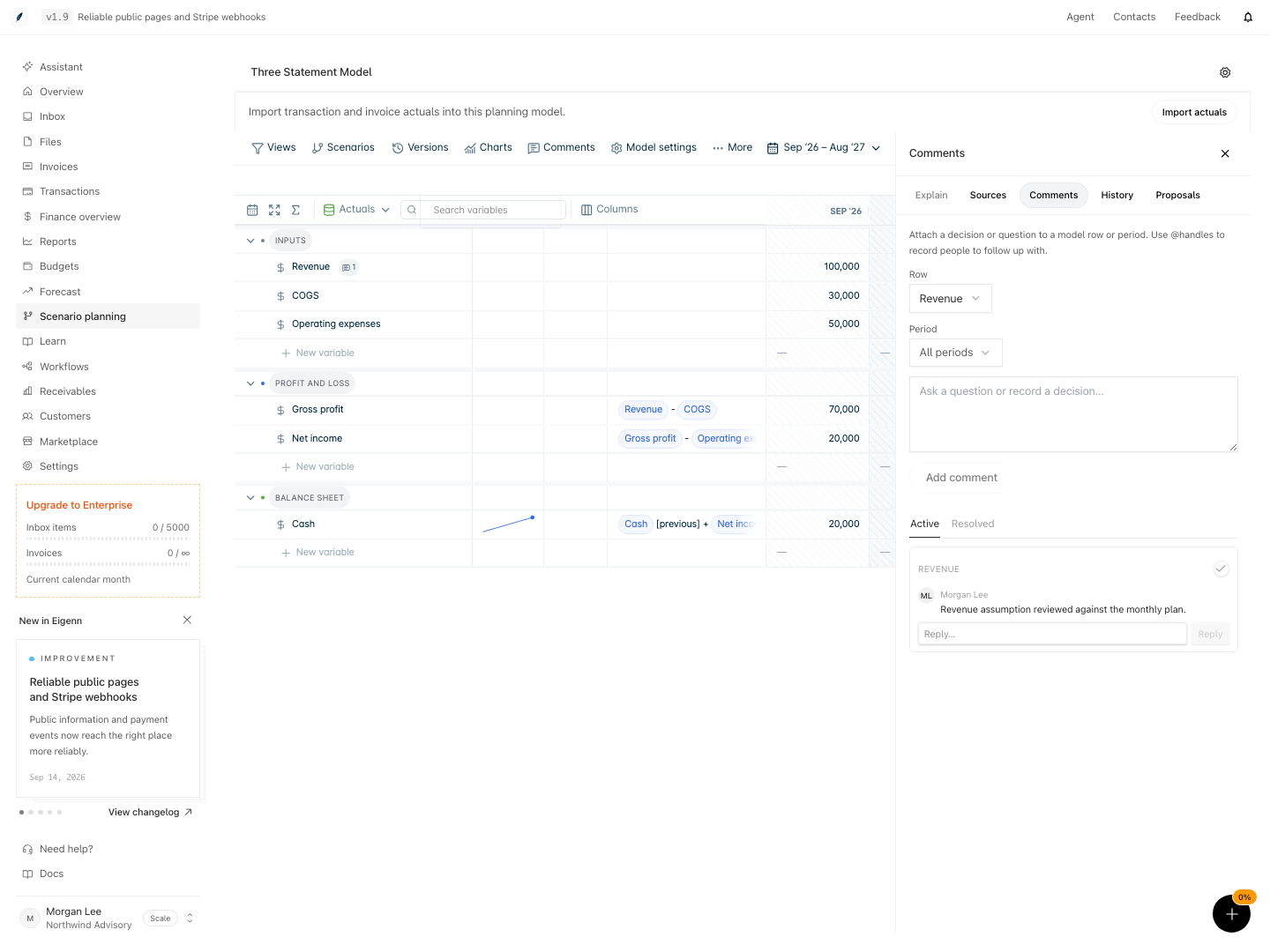
Comments keep the reason for a number inside the model. Each thread is attached to a row, or to one period of a row. A thread also belongs to the scenario that was active when you started it.
Use these pages to set up a review. First, make sure each person has the correct team role. Then share a focused view, and use comments to record questions and decisions.
Pages in this group
- Comment on a model: add a comment to a row or period, reply, mention a teammate, and resolve the thread.
- Share a model and set access: share a saved view with a teammate as Can view or Can edit within view, and copy the link.
- Team roles and planning access: learn what an Owner, a Member, and a Viewer can do, and which plans include planning.
Other review tools
- To suggest a set of scenario changes without applying them, select More → Propose changes. The collaboration guide shows the full proposal review.
- To keep a decision point, save a named version before the review starts. Refer to Versions.