Versions
A version is a saved, read-only copy of a whole model that you can preview, compare, and restore.
A version is a saved copy of a whole model at one point in time. It holds the variables, the formulas, the inputs, every scenario, and the time and currency settings. You cannot edit a version. You can only preview it, compare it, rename it, delete it, or restore it.
Use a version to keep a decision point, such as the budget that the board approved. Later, you can compare the live model with that budget, or return the model to it. A view and a scenario always show the live model. The saved values of a version do not change.
Find the versions of a model
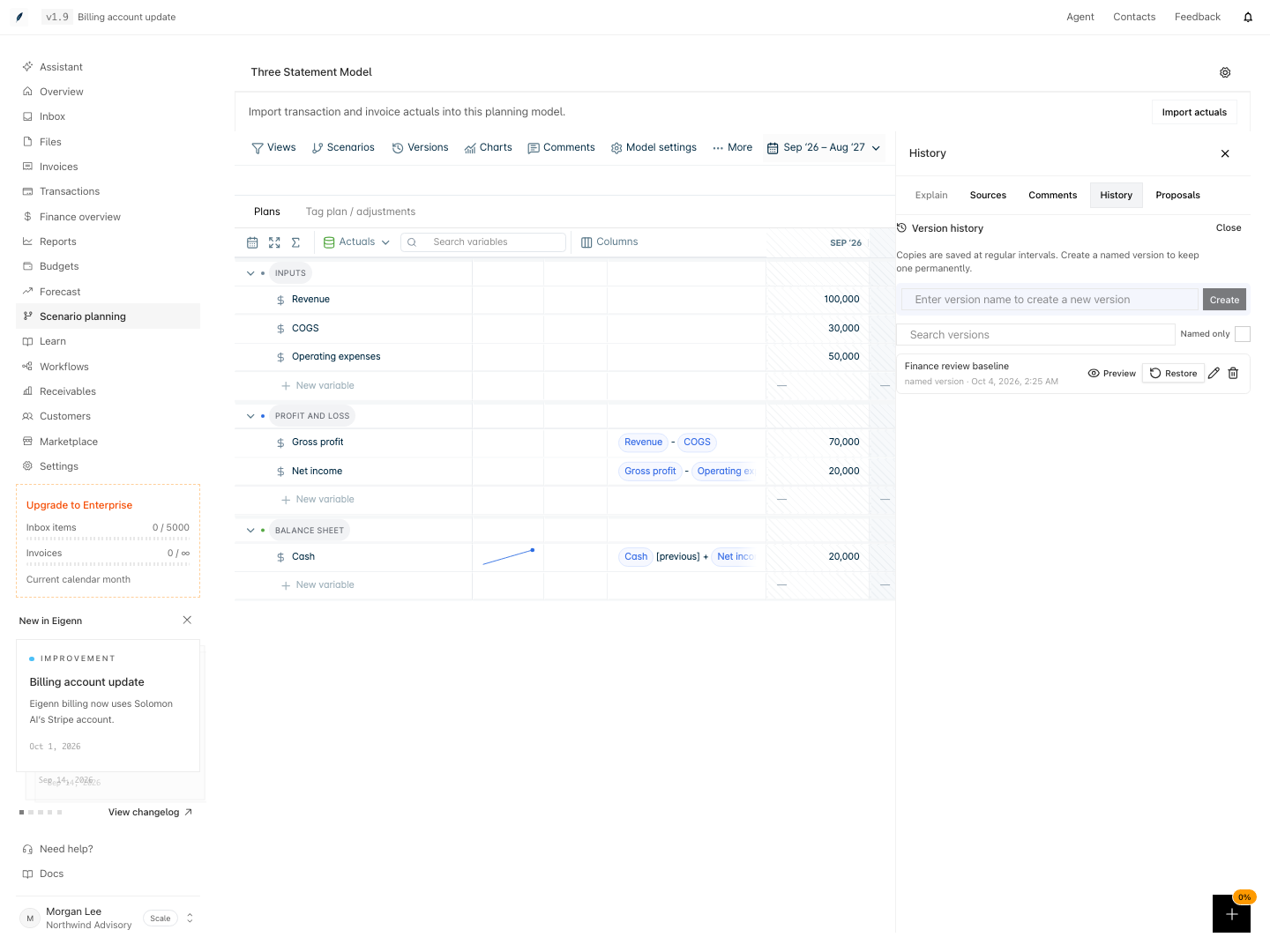
Go to Scenario planning → open a model → select Versions. The History tab opens with the Version history list. The newest version is at the top. Each row shows the name, the kind, and the date and time of the save.
Kinds of version
| Kind in the list | Who makes it | How long Eigenn keeps it |
|---|---|---|
| named version | You, or Eigenn before a roll forward, a scenario merge, or a scenario promotion | Until you delete it |
| auto saved | Eigenn, every hour and after edits | 48 hours, or longer while a chart or an export uses it |
| before restore | Eigenn, before each restore | 90 days |
You can rename and delete named versions only.
Who can use versions
- A workspace Owner can create, preview, restore, rename, and delete versions.
- A teammate in a shared view sees the named versions only, and can only preview them.
Pages in this group
- Save a version: create a named version and learn when Eigenn saves one for you.
- Compare versions: preview a version and compare it in a table.
- Restore a version: what a restore changes, what it keeps, and how to undo it.